Explain it by drawing it — together.
Open a board inside the lesson and work on it with your student in real time. Keep the good ones and reuse them.
No card required • Ready in minutes
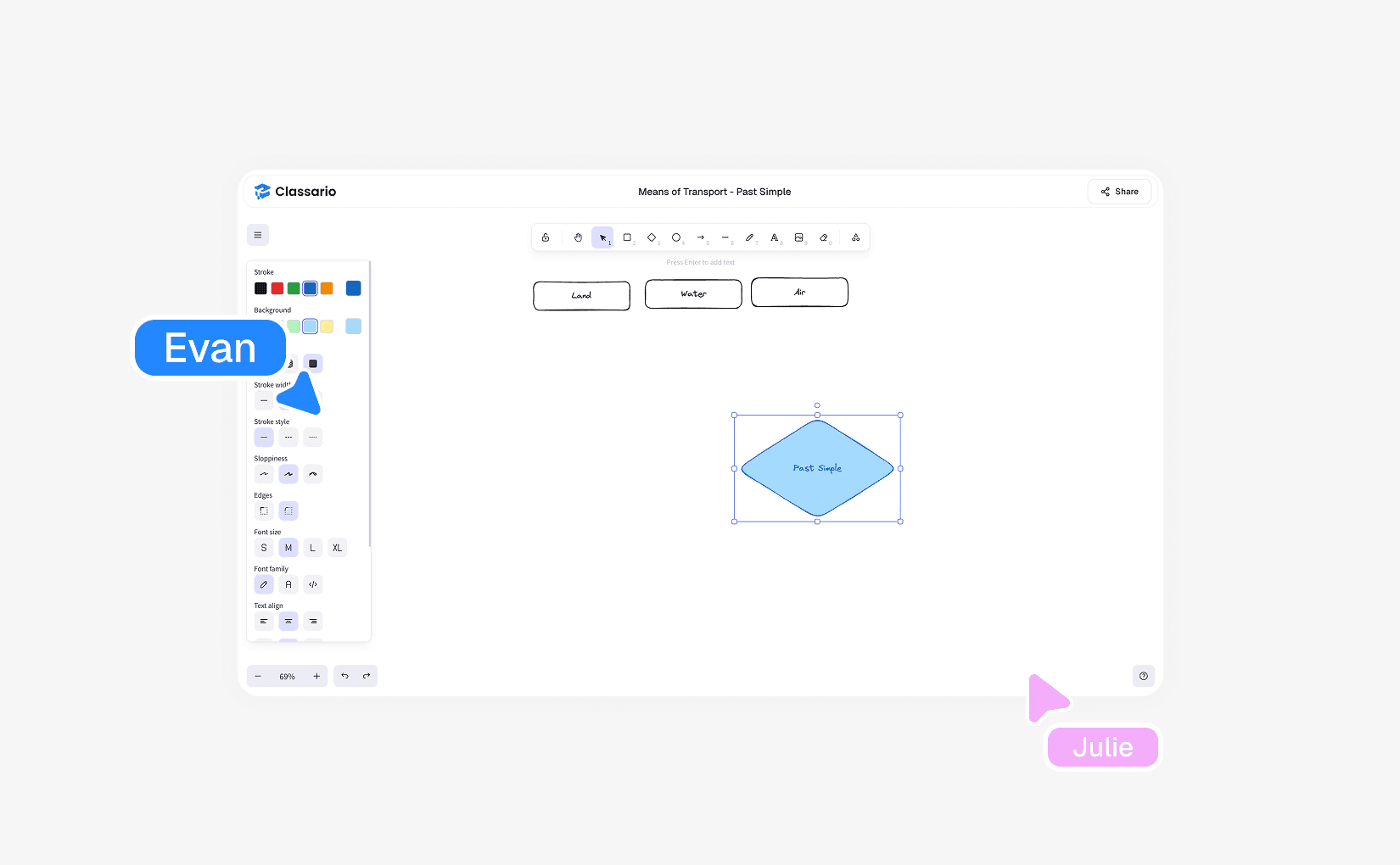
Simple Tools, Used Live
Everything you would reach for at a real whiteboard, and a few things you could not.
Pen and eraser
Freehand drawing for working through a problem step by step.
Shapes, lines and arrows
Diagram a process, a sentence structure or a geometry problem.
Text and sticky notes
Type directly on the canvas or drop sticky notes for ideas and prompts.
Images and files
Drop a picture or open a file on the board and annotate on top of it.
Web embeds
Bring an external activity onto the board when you already have one that works.
Students can edit
Turn on editing and let the student work on the board while you watch.
Boards You Keep
A whiteboard is a document, not something that disappears when the call ends.
Several boards per lesson
Open boards as tabs in the classroom and switch between them as the lesson moves on.
Your board library
Every board is saved, searchable and renameable — reopen last month's explanation in seconds.
Shared library
Publish a board so everyone in your space can teach from it.
Share by link
Copy a link to a board and let someone open it, with or without an account.
Choose The Plan That Fits Your Teaching
Start 14-days for free • Upgrade when you need more
Lite
For independent tutors
What's included
- Unlimited live lessons
- Unlimited students
- Unlimited materials
- Unlimited whiteboards
- Basic elements (text, image, video etc.)
- Video calls
Most popular
Pro
For professional tutors
What's included
- Everything in Lite
- Cleo AI
- Interactive exercises with self-check
- Homeworks with auto-grading
- Learning games and practice
- Online bookings
School
1 admin + 3 tutors included ($15/month per extra seat)
What's included
- Everything in Pro
- Multiple teachers
- Shared library
- Accept payments
- Custom logo & colors
- Custom domain
Everything You Need To Know Before Teaching
Here are answers to the most common things people ask before getting started.
No. Classario is designed for live teaching and ongoing student interaction.
Ready to teach smarter?
Create your first AI-generated lesson and run it live — free for 14 days.
No card required • Ready in minutes